You made it through tax season. Returns filed, deadlines met, clients served. Take a breath. You earned it. But before you move on entirely, there's a question worth sitting with: should surviving tax season really be the bar?
If you're an office manager or partner at an accounting firm, you probably already know the answer. Tax season doesn't just test your team's endurance. It stress-tests every system your firm depends on, including your IT. The things that were mildly annoying in July become genuinely costly in March. And now that the pressure is off, you're in the best position you'll be in all year to do something about it.
Here's why the next 3 months are the window to switch IT providers, and what to look for when you do.
The Small Things That Weren't Small
Nobody's IT melted down in the middle of tax season. At least, you hope not. But that's a low bar. What actually happened was probably more like this:
QuickBooks Desktop went down on a Tuesday in March. For firms that still run Desktop, that's not a minor inconvenience. That's a client's entire books locked up. Nobody can review their financials, reconcile accounts, or prep their return until it's back. If the company file gets corrupted, you're looking at a restore from backup and praying the backup is recent. Your help desk ticket said "we'll get to it," and they did. Eventually.
Or maybe it was UltraTax. Your senior preparer needed to access it from home on a Saturday to catch up on returns, but remote access wasn't working. She spent 45 minutes troubleshooting before giving up and driving to the office. Nobody filed a complaint. It just... happened.
The printer went down for 3 days during the busiest week of the year. Three days. A client needed a copy of last year's return and the file restore took 48 hours. Your office manager submitted a support ticket on Monday and got a response on Thursday.
None of these are disasters. But add them up across a 3-month stretch where every hour matters, and they're not small either. They're symptoms of an IT provider that doesn't understand what "busy season" means for an accounting firm.
Or God forbid, a full outage during peak filing week. The kind that doesn't just cost billable hours but costs client trust. The kind where your clients start wondering whether their data is safe, whether their returns will be filed on time, whether they picked the right firm. That's the scenario nobody wants to think about, but it's the one that keeps partners up at night.
What Tax Season Revealed About Your IT
Think of tax season as a diagnostic. When your firm is running at full capacity (nights, weekends, every workstation humming), the cracks in your IT show up fast. Here's what to look for in hindsight:
Slow or unreliable remote access. If your team worked evenings and weekends (and they did), could they actually get to their applications from home? Or did they end up driving to the office because the VPN was too slow or the connection kept dropping?
Software crashes during peak usage. QuickBooks, UltraTax, Drake, Lacerte. These applications are resource-intensive. When everyone's using them at once, underpowered infrastructure buckles. If your tax software crashed, froze, or ran slow during busy season, that's not a software problem. It's an infrastructure problem.
No after-hours support. You were working Saturday at 10 PM. Was your IT provider? If the answer is "they'll get to it Monday," that's not support. That's a suggestion box.
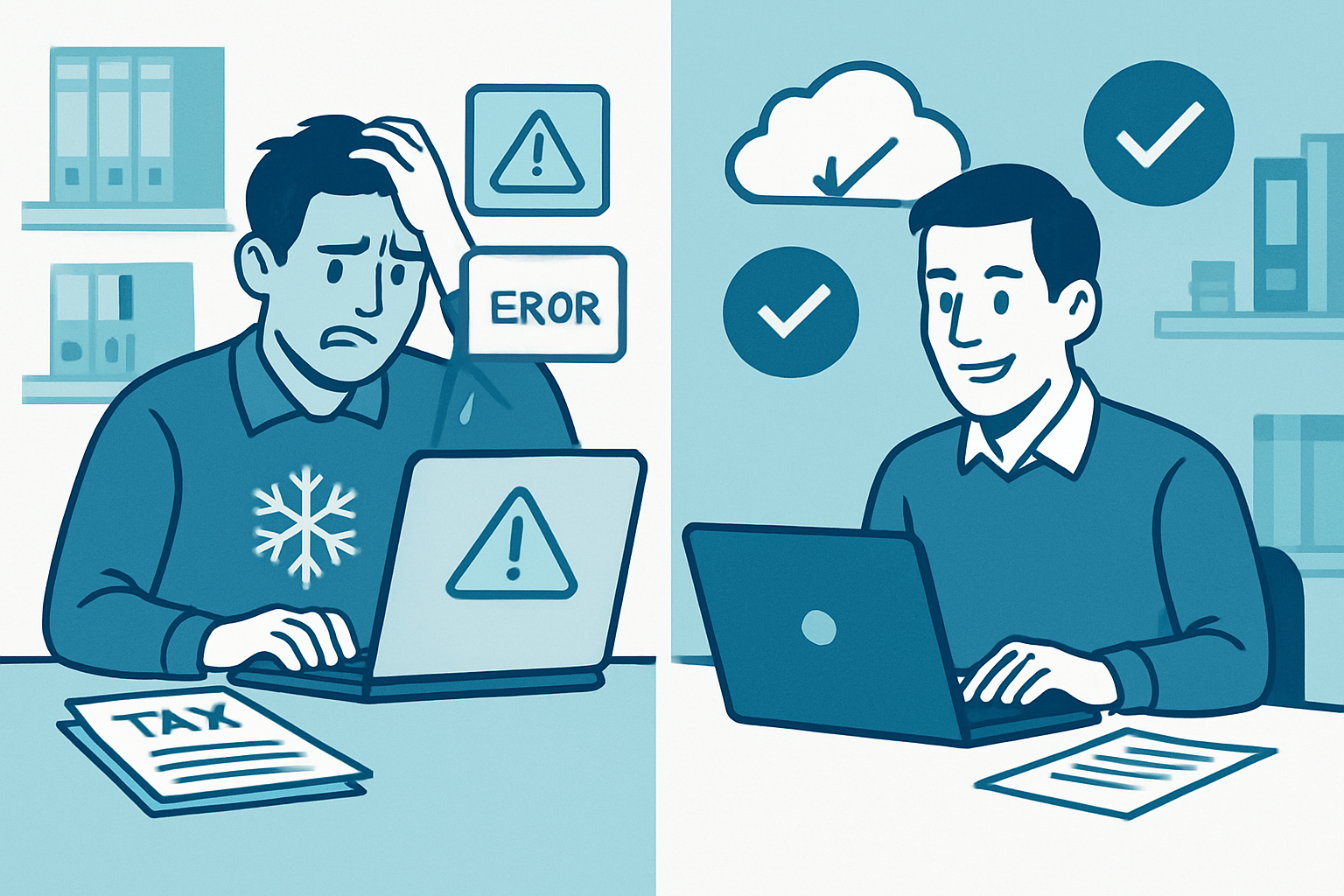
Security and compliance gaps you couldn't address mid-season. Maybe you noticed something that didn't feel right. An employee using a personal email to send client data, a backup that hadn't run in weeks, a system that should have been patched months ago. But it was March. You couldn't stop to deal with it. You made a mental note and moved on. Those mental notes are the ones that matter most.
Your office manager became the IT department. If the person handling your IT problems during tax season was the same person who's supposed to be managing client scheduling, processing payments, and keeping the office running? That's not a staffing issue. That's an IT provider issue. Your office manager has a Google search tab open and a lot of patience, but that's not a long-term plan.
If more than two of these sound familiar, your IT wasn't built for an accounting firm. And the only realistic time to fix that is right now.
Why the Next 3 Months Are the Window
There's a reason this article isn't titled "The Best Time to Switch IT Providers Is January." January is too late. By January, you're already deep in W-2 season. By February, you're in full filing mode. By March, you wouldn't change a light bulb in the office, let alone your entire IT infrastructure.

The post-tax-season window, roughly May through July, is when your firm has the breathing room to actually evaluate, demo, and onboard a new IT provider without risking client work.
Here's what that timeline looks like:
- May: Evaluate your current IT honestly. Talk to providers. Get proposals.
- June: Make the decision and start onboarding. A good migration takes 2-4 weeks.
- July: Fully transitioned. Your new provider has had a month to learn your environment before extension season starts in August.
By the time October rolls around and year-end planning kicks in, your IT is battle-tested. By January, it's been running smoothly for 6 months. And by next April, you walk into tax season with systems that actually work the way they should.
Switching IT mid-season is like changing tires on a moving car. Switching now is planned, controlled, and zero disruption to your clients.
What Accounting-Specific IT Actually Looks Like
There's a meaningful difference between an IT provider that "supports small businesses" and one that understands accounting firms. Generic IT companies know how to set up email and manage a firewall. Accounting-specific IT means understanding that a 3-day printer outage in March is a fundamentally different problem than a 3-day printer outage in August.
Cloud-hosted desktops for your accounting software. Instead of running UltraTax, Drake, QuickBooks Desktop, or Lacerte on a local server that crashes when everyone logs in at once, your applications run in a cloud environment your team can access from anywhere. Office, home, client site. No VPN headaches. No "the server is down." The same full desktop experience, just faster and more reliable. Think of it as what RightWorks offers, but integrated with your firm's Microsoft 365 environment so everything works together.
A help desk calibrated to your calendar. Your IT provider should know that "I can't e-file" is a P1 emergency in March and a P3 in August. That's not just about response time. It's about understanding what matters to your firm and when. If your current provider treats every ticket the same regardless of season, they don't understand your business.
IRS compliance built into the service. If your firm handles taxpayer data, you're subject to IRS Publication 4557 requirements, including maintaining a Written Information Security Plan (WISP), encrypting client data, and meeting specific access control standards. Your IT provider should be helping you meet those requirements as part of the service, not as an afterthought you discover during an audit.
Proactive monitoring, not reactive break-fix. The problems that hurt most during tax season are the ones that could have been caught in December. Outdated software, aging hardware, backup jobs that stopped running months ago. Accounting-specific IT means someone is watching your systems year-round and fixing things before they become tax-season emergencies.
Lockbaud: IT Built for Kansas City Accounting Firms
We're a Kansas City-based managed IT provider, and accounting firms are one of the verticals we know best. We host cloud desktops that run UltraTax, Drake, QuickBooks Desktop, and Lacerte. We provide responsive help desk support. We help firms implement technical controls aligned with IRS data security expectations. And we do it all with local, accountable service. Not a ticket queue that takes 3 days to respond.
If tax season showed you that your IT isn't where it needs to be, we'd welcome the conversation. No pressure, no pitch. Just an honest look at where your firm's IT stands and what it would take to get it right before next season.
Read more about the top 10 benefits of managed IT for CPA and accounting firms, or see our managed IT pricing breakdown to understand what this typically costs.
Frequently Asked Questions
How long does it take to switch IT providers?
A typical IT provider transition for an accounting firm takes 2-4 weeks. Your new provider handles the migration (setting up monitoring, transferring accounts, configuring your software environment) while your team keeps working. Start in May and you're fully onboarded well before extension season.
Will switching IT providers disrupt our workflow?
Not if you time it right. The post-tax-season window (May through July) exists precisely because your firm has the bandwidth to handle a transition without client work suffering. A good IT provider plans the migration around your calendar, not theirs.
What about our existing accounting software?
A provider who specializes in accounting firms will support your existing software, including UltraTax, Drake, QuickBooks Desktop, Lacerte, and others. Cloud-hosted desktop environments let your team access these applications from anywhere without the VPN headaches or local server dependencies.
How much does managed IT cost for an accounting firm?
Managed IT for accounting firms typically runs $100-$200 per device per month. That includes monitoring, help desk, cybersecurity, compliance support, and software management. It's significantly less than a part-time IT hire and covers everything most firms need.
Can we keep our current files and folder structure?
Yes. A proper migration preserves your existing file structure, permissions, and workflows. Your team logs in and finds everything where they left it. The only difference is that things work better and someone is actually watching the systems.