If you run or manage a CPA firm, you already know that IT isn't optional. Your team depends on QuickBooks, UltraTax, Drake, or Lacerte every single day. Client data has to stay secure. Tax deadlines don't move. And when something breaks during busy season, "we'll get to it tomorrow" isn't an answer.
That's where managed IT comes in. Instead of hiring an in-house IT person (or making your office manager the unofficial tech department), IT support for accounting firms puts monitoring, help desk, cybersecurity, backups, and compliance under one ongoing provider. All of it.
Here are 10 specific benefits that matter most for accounting firms. For the full service picture, see our page on managed IT services for accounting firms.
1. Your Client Data Actually Stays Protected
Accounting firms hold some of the most sensitive data out there. Social security numbers, bank accounts, tax returns, payroll records. If that data gets exposed, it's not just an IT problem. It's a trust problem. Clients leave. Your firm's reputation takes a hit that's hard to recover from.
A managed IT provider puts real security in place. Endpoint protection on every workstation. Email filtering that catches phishing attempts before they reach your staff. Encrypted connections for remote access. Regular vulnerability scans to find weak spots before someone else does. This isn't a checklist item. It's the foundation everything else sits on.
2. Less Downtime During the Months That Matter Most
Tax season is unforgiving. When your systems go down in March, you're not losing productivity on a slow Tuesday. You're losing billable hours during the most revenue-intensive stretch of the year. A corrupt QuickBooks Desktop company file during filing season means a client's books are locked up until the restore finishes.
Managed IT reduces downtime because someone is watching your systems around the clock. They catch the failing hard drive before it crashes. They see the backup job that stopped running two weeks ago. They patch the software before the vulnerability gets exploited. The goal is that your team never has to think about IT because nothing breaks in the first place.
3. Remote Access That Actually Works
Your team works nights and weekends during busy season. That's just reality. The question is whether they can actually access their applications from home without calling someone for help.
Cloud-hosted desktop environments let your accountants access UltraTax, Drake, QuickBooks Desktop, or Lacerte from anywhere. Same desktop, same files, same experience. No VPN that drops every 20 minutes. No "the server is down, drive to the office." Your senior preparer can knock out returns from her kitchen table on a Saturday and it works exactly like being at her desk.
4. Predictable Monthly Costs
Managed IT is a fixed monthly fee. No surprise invoices when something breaks. No "that's a project, so it's extra." You know what you're paying, and it covers monitoring, support, security, and maintenance. For most accounting firms, it's $100 to $200 per device per month. That's a fraction of what a part-time IT hire costs, and you get a full team instead of one person.
5. IRS Compliance Gets Easier
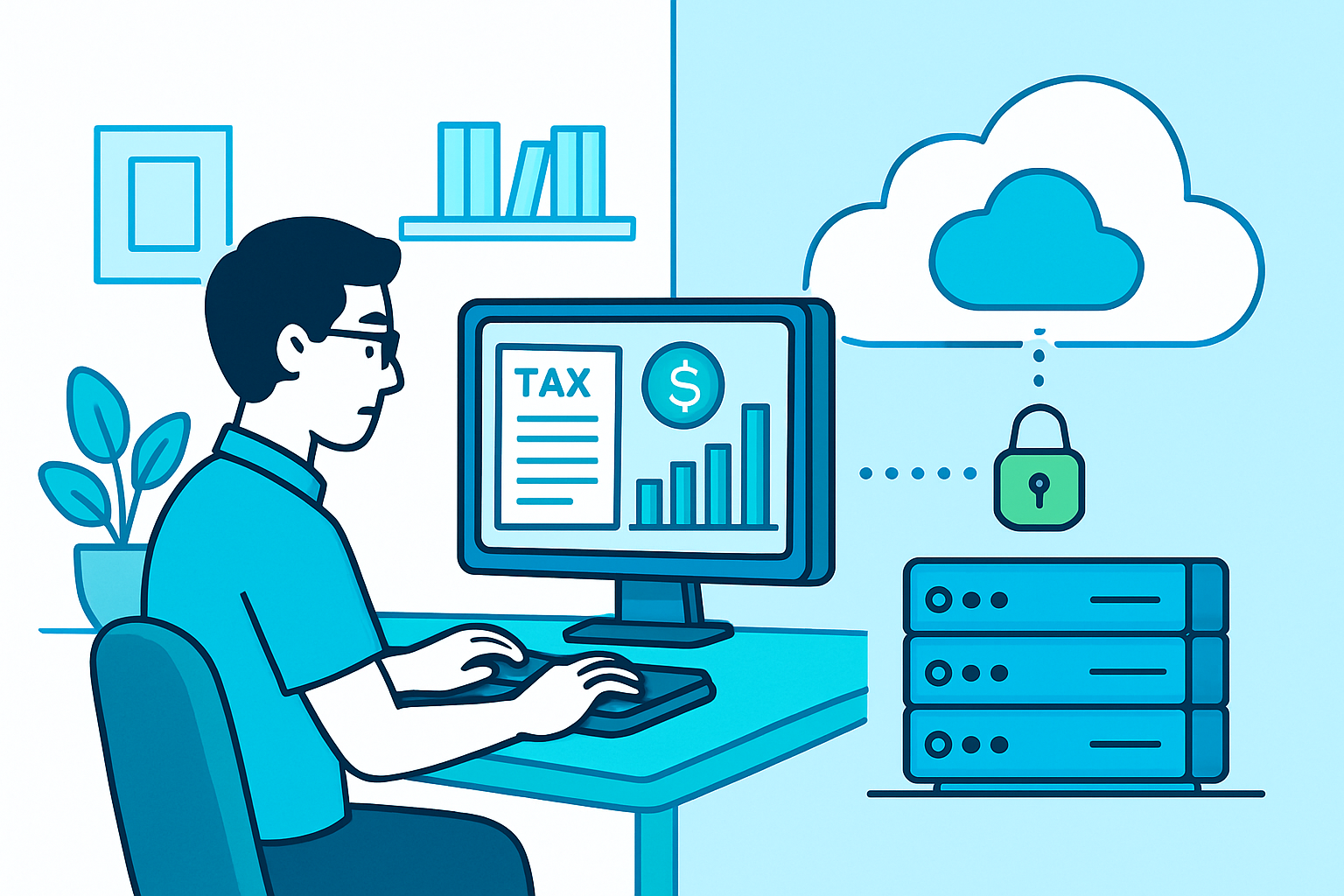
If your firm prepares tax returns, you're required to comply with IRS Publication 4557. That means maintaining a Written Information Security Plan (WISP), encrypting client data at rest and in transit, implementing access controls, and conducting regular risk assessments.
Most small firms know they're supposed to do this. Fewer actually have it fully in place. A managed IT provider who works with accounting firms should help you build and maintain your WISP, not just tell you it's your responsibility. Compliance support should be built into the service, not an add-on you find out about during an audit.
6. You Get a Team, Not a Single Point of Failure
Plenty of accounting firms have "an IT guy." Maybe he's a friend of the partner. Maybe she's the office manager who's really good with computers. Either way, when that one person goes on vacation, gets sick, or quits, your IT support disappears.
Real IT support for accountants gives you a team. Multiple people who know your environment, your software, and your workflows. If one person is unavailable, someone else picks up. Your firm isn't dependent on any single individual. That matters most exactly when it matters most: during tax season, when a 3-day gap in support can cascade through the whole office.
7. Help Desk That Understands Your Calendar
Generic IT providers treat every ticket the same. A managed IT provider who understands accounting knows that "I can't print" in March is a different urgency than "I can't print" in August. They know that e-filing deadlines are real deadlines. They know that when you say "this is urgent," you mean it.
The best accounting-focused IT providers calibrate their response times to your firm's calendar. Higher priority during busy season. Faster escalation for software that directly affects client deliverables. Same-day response as a standard, not a special request.
8. Backups You Can Actually Count On
Every firm thinks they have backups. Fewer firms have actually tested them. A managed IT provider runs automated backups on a schedule, monitors them to make sure they actually complete, and tests restores regularly. So when a QuickBooks company file gets corrupted or someone accidentally deletes a folder of client returns, the restore takes minutes, not days. And you know it works because someone has been verifying it every week.
9. Your Firm Can Grow Without IT Being the Bottleneck
Adding a new staff member should be straightforward. New workstation, new accounts, access to the software they need. With managed IT, that onboarding is handled. New employee starts Monday? Their machine is configured, their email is set up, their cloud desktop is provisioned, and they're ready to go by the time they sit down.
Same goes for opening a second office, bringing on seasonal staff for tax season, or shifting more of your team to remote work. Managed IT scales with you. You don't have to rebuild your infrastructure every time you grow. You just call your provider and say "we need three more seats."
10. You Stop Being the IT Department
This is the one that resonates most with the office managers and partners we talk to. When IT is someone else's job, you get to focus on yours. No more Googling printer error codes. No more being the person who "handles the technology stuff" on top of everything else you're responsible for. No more wondering whether your backups are running or whether that phishing email your receptionist clicked on actually did anything.
You run an accounting firm. That's a hard enough job on its own. Managed IT lets you hand off the technology to people who do it full time, so you can focus on serving your clients and growing your practice.
Lockbaud: Managed IT for Kansas City Accounting Firms
We're a Kansas City managed IT provider focused on IT support for accounting firms and full managed IT services for accounting firms. We host cloud desktops running UltraTax, Drake, QuickBooks Desktop, and Lacerte. We provide responsive help desk support calibrated to your firm's calendar. And we help firms implement technical controls and documentation aligned with IRS security expectations.
If you're thinking about making a change, post-tax season is the best window to switch providers. We'd welcome the conversation.
Frequently Asked Questions
How much does managed IT cost for an accounting firm?
Most accounting firms pay between $100 and $200 per device per month for managed IT services. That typically covers monitoring, help desk, cybersecurity, backup, and compliance support. It's significantly less than hiring even a part-time IT person, and the support scales during busy season without extra cost.
What accounting software should managed IT support?
At a minimum, your IT provider should be comfortable supporting QuickBooks Desktop, UltraTax, Drake, and Lacerte. If your firm uses cloud-hosted desktops to run these applications, your provider should manage that environment too, not just the endpoints.
Can managed IT help with IRS compliance requirements?
Yes. IRS Publication 4557 requires tax preparers to maintain a Written Information Security Plan (WISP), encrypt client data, and implement access controls. A managed IT provider who works with accounting firms should help you build and maintain that plan as part of the service.
How long does it take to switch to a managed IT provider?
A typical onboarding takes 2-4 weeks. Your new provider sets up monitoring, migrates accounts, and configures your software environment while your team keeps working. The best time to switch is post-tax season (May through July) so you're fully set up before busy season starts.
Do we still need an in-house IT person if we use managed IT?
Most small and mid-sized accounting firms don't. Managed IT replaces the need for a dedicated IT hire by providing a full team on demand. For larger firms, managed IT can work alongside an internal IT person, handling the day-to-day monitoring and support while your internal person focuses on firm-specific projects.