Running a chamber of commerce means you wear a lot of hats. Membership director, event planner, community advocate, and sometimes the person troubleshooting the office printer. This article covers the benefits of managed IT for chambers. If you want the service overview, start on our page for IT support for chambers of commerce.
Most chambers don't have a dedicated IT person. And honestly, most don't need one full-time. But they absolutely need reliable technology to manage member databases, run events, process payments, and communicate with hundreds of local businesses. That gap between "don't need full-time IT" and "definitely need IT support" is exactly where managed IT fits.
This guide breaks down the unique IT challenges chambers face, how managed services solve them, what it actually costs, and what to look for in a provider.
The Unique IT Challenges Chambers of Commerce Face
Chambers aren't like typical small businesses. You have a relatively small staff managing technology that supports hundreds or thousands of member businesses. That creates a specific set of problems that most IT providers don't think about.
Member Database Complexity
Your chamber management software is the backbone of everything you do. Platforms like ChamberMaster, GrowthZone, and MemberClicks hold member records, track dues, manage event registrations, and generate reports for your board. When that system goes down or acts up, it affects every member interaction.
These platforms need proper DNS configuration, reliable email infrastructure, and someone who can coordinate with the platform vendor when things go sideways. Most break-fix IT guys have never heard of ChamberMaster. That's a problem.
Event Technology
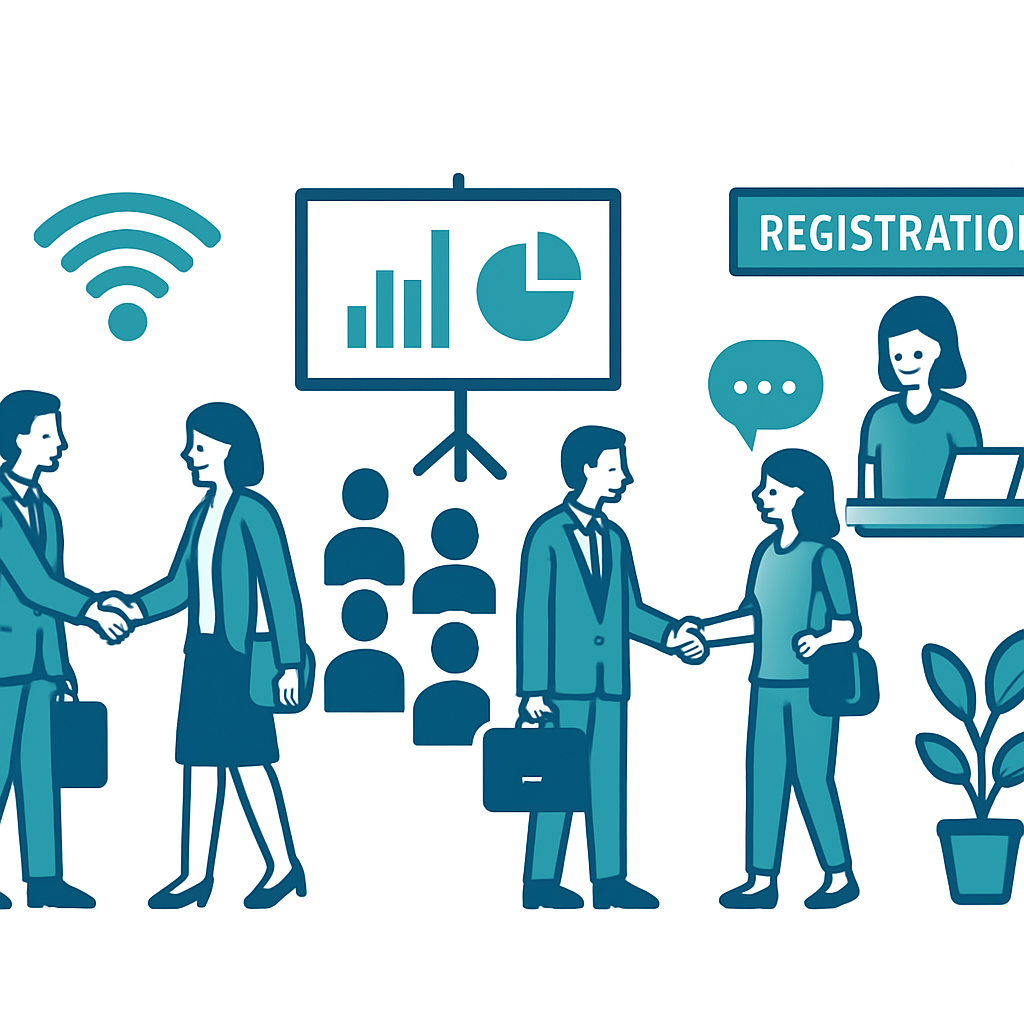
Chambers run events constantly. Luncheons, ribbon cuttings, annual galas, business expos, networking mixers. Each one requires technology to work flawlessly: registration systems, presentation equipment, Wi-Fi for attendees, and increasingly, hybrid setups for virtual participants.
When the Wi-Fi drops during a keynote speaker's presentation or the online registration page crashes the morning of your annual dinner, it reflects directly on your chamber's reputation. These aren't just IT problems. They're member retention problems.
Building and Infrastructure Issues
Many chambers operate out of older buildings, shared office spaces, or community centers. The networking equipment may be outdated. The Wi-Fi might have dead zones. The phone system could be a relic from the previous decade. And because chambers often share space with other organizations, the IT infrastructure can be tangled and poorly documented.
Budget Constraints
Let's be honest: chambers don't have enterprise budgets. Every dollar is accounted for, and board members scrutinize technology spending. You need solutions that deliver real value without the sticker shock. That rules out hiring a full-time IT director (at $80,000+ per year) but doesn't change the fact that your technology needs are real and growing.
The reality for most chambers is that technology problems don't just waste time. They directly impact how members perceive your organization. When registration systems crash or email blasts fail, it undermines the professional image you've worked hard to build.
Cybersecurity Risks
Chambers store sensitive data: member business financials, contact information, payment card details, and sometimes confidential economic development plans. A data breach doesn't just hurt your chamber. It hurts every member whose information was exposed. And with the FTC increasingly holding organizations accountable for data protection, the stakes keep rising.
How Managed IT Services Solve These Problems
Managed IT services give your chamber a full IT department at a fraction of the cost. Here's how that plays out for the specific challenges above.
Chamber Management Software Support
A managed IT provider that understands chambers will be familiar with ChamberMaster, GrowthZone, and similar platforms. They don't manage those platforms directly. That's between you and the vendor. But they handle the IT around them: DNS, email configuration, workstation security, and coordinating with the vendor on your behalf when technical issues arise.
When you're transitioning between platforms or evaluating new systems, a good IT partner is at the table to make the switch smooth. They handle the technical side on your end: data exports, cloud migration, and email cutover, so nothing falls through the cracks.
Event Technology That Actually Works
Before your big events, your IT provider tests the Wi-Fi capacity, configures presentation equipment, verifies that registration systems are working, and sets up backup internet connections for critical moments. During the event, they're on call. After the event, they help you pull the data you need for follow-up.
No more asking a board member's nephew to "handle the tech" for your annual gala.
Modern Infrastructure on a Chamber Budget
Managed IT providers assess what you have and build a realistic upgrade plan that fits your budget. That might mean replacing a failing server with a cloud solution, upgrading your Wi-Fi access points, or setting up a proper VoIP phone system so your staff can take calls from anywhere.
The key word is "realistic." A good provider won't try to sell you a $50,000 network overhaul. They'll prioritize what matters most and phase improvements over time.
When your chamber's technology works reliably, your team can focus on what actually matters: building relationships with members and growing the local business community.
Cybersecurity Without the Complexity
Your managed IT provider implements multi-layered security: endpoint protection on every device, email filtering to catch phishing attempts, multi-factor authentication on sensitive systems, and secure password management across your team. They monitor your network for threats 24/7 and handle security patches so you don't have to think about it.
For chambers that process member payments online, they also help ensure PCI compliance, which protects both your members and your organization from liability.
Help Desk for Your Whole Team
When a staff member can't access their email, the printer won't connect, or the projector in the conference room is acting up, they call one number. No Googling solutions, no waiting for the "tech-savvy" person in the office to figure it out. Professional IT support means problems get resolved in minutes, not hours.
Cost Analysis: What Chambers Actually Spend on IT
Let's talk real numbers. Most chambers we work with fall into one of two camps before they switch to managed IT.
Camp 1: The "we don't really have IT" chamber. These chambers call a local break-fix technician when something breaks. They might spend $500-$1,500 per month on reactive fixes, but the hidden cost is much higher: staff downtime, lost productivity, security vulnerabilities that nobody is monitoring, and the executive director spending 5-10 hours a month on IT problems instead of member engagement.
Camp 2: The "we have a part-time IT person" chamber. These chambers pay a part-time contractor or have assigned IT duties to a staff member who has other responsibilities. They might spend $2,000-$3,500 per month when you factor in the person's time, plus software licenses, plus emergency vendor calls for things outside that person's expertise.
Managed IT typically costs $1,500-$4,000 per month for a chamber, depending on the number of staff, devices, and locations. That includes help desk support, cybersecurity monitoring, software management, backups, and strategic planning. For most chambers, this comes out roughly even or cheaper than what they were spending before, but with dramatically better coverage and fewer emergencies.
The real savings show up over time. Fewer security incidents. Less staff downtime. No surprise bills for emergency fixes. And an IT environment that actually supports your chamber's growth instead of holding it back.
What to Look for in an IT Provider for Your Chamber
Not every managed IT provider is a good fit for chambers. Here's what matters.
Chamber software experience. Ask if they've worked with ChamberMaster, GrowthZone, or whatever platform you use. If they haven't, they'll be learning on your dime.
Nonprofit and membership organization understanding. Chambers operate differently than for-profit businesses. Your provider should understand board governance, budget cycles, event-driven workflows, and the fact that your "customers" are members who expect a certain level of professionalism from the technology you put in front of them.
Local presence. Some IT problems require someone to physically show up. A provider with technicians in your metro area can respond faster when your server room floods or your event needs on-site tech support.
Transparent pricing. No hidden fees, no surprise charges for "after-hours" support during your evening networking event. Your managed IT contract should be predictable so you can present a clean line item to your board.
Strategic guidance, not just break-fix. The best IT providers don't just fix problems. They meet with you quarterly to review your technology roadmap, recommend improvements, and help you plan for upcoming needs. That's the difference between a vendor and a partner.
Frequently Asked Questions
How much do managed IT services cost for a chamber of commerce?
Most chambers spend between $1,500 and $4,000 per month on managed IT services, depending on staff size, number of locations, and complexity of their member management systems. This typically replaces the cost of a part-time IT person plus emergency break-fix bills, often saving 20-30% annually.
Can a managed IT provider support ChamberMaster or GrowthZone?
A good managed IT provider will be familiar with chamber platforms like ChamberMaster, GrowthZone, and MemberClicks. They don't manage those platforms directly, but they handle the IT around them: DNS, email configuration, workstation security, and vendor coordination during transitions or technical issues.
What cybersecurity risks do chambers of commerce face?
Chambers store sensitive member data including business financials, contact information, and payment details. This makes them targets for phishing attacks, ransomware, and data breaches. Many chambers also process online payments for events and memberships, which adds PCI compliance requirements.
Do we need managed IT if we only have a small staff?
Smaller teams actually benefit the most. When you only have 5-15 people, one IT problem can grind the entire operation to a halt. Managed IT gives your small team the same level of support that organizations with dedicated IT departments enjoy, without the overhead of a full-time hire.
How do managed IT services help with chamber events?
Managed IT providers can set up reliable event Wi-Fi, configure presentation equipment, ensure online registration systems work smoothly, and provide on-call support during major events like annual dinners or business expos. They also handle the tech setup for hybrid events with virtual attendees.